
How much phone storage do you really need?
64GB of storage on the device is fine for casual users for normal streaming, photos, and social media apps. 125GB of phone storage is enough for the average user with a healthy mix of apps and games, and thousands of photos. 256GB to 512GB is ideal for power users.
The same storage size is not enough for everyone. It varies depending on the apps installed and, amount of data in your phone. In this guide, I will explain about smartphone storage, as well, how the apps in your phone affect the storage, and tips to avoid running out.
Understanding Phone Storage
Unlike the hard drive disk, smartphones use internal flash memory to keep your data save. It uses the floating-gate transistors for data storage, like apps and photos, and makes it durable. The Android phones allow expansion of storage via a microSD card.
While the iPhones rely on cloud storage like iCloud and Google Drive. Here is the list of data that your phone keeps in storage.
- Media Files: The media files, like photos, videos and documents, or PDFs stores on your phone.
- Cache Data: Cache is the temporary saved data of your previous activities, like visiting a website or opening a photo.
- Operating System: The operating system that makes your Android or iPhone run is also added to the storage.
- Mobile Apps: Whatever application you install or download on your phone is saved in internal storage.
How much phone storage do I need?
Like a data connection, it is essential to confirm how much phone storage you need. If you are buying the new phone, consider whether the phone's memory is enough for you or not. The data in your phone uses GBs.
32GB-64GB: Storage for Casual Users
If you are a casual phone user, 32GB-64GB of data storage is enough for you. It is ideal for calling and sending messages, and taking photos. The latest smartphones start with a storage space of 128GB.
128GB: Storage for Moderate Users
128GB of data storage is ideal for the average user. 128GB is enough space for apps, games, hours of video footage, and thousands of photos. You can also have an offline music playlist and movies.
256GB-512GB: Storage for Power Users
256GB to 512GB is the high storage perfect for those who want to capture 4K video footage. It is best for the huge photo library, multiple apps and games, and downloading your favourite movie collections.
Comparing Storage Sizes (64GB vs 128GB vs 256GB and Beyond)
Here is the comparison of the different storage sizes to help you get a clear idea.
64GB
- Best For: Ideal for light users.
- Drawbacks: Space fills faster.
- Verdict: Suitable for calling and sending messages, and taking photos.
128GB
- Best For: Ideal for average users.
- Drawbacks: Balanced space.
- Verdict: It is the recommended space.
265GB
- Best For: Perfect for gamers and vloggers.
- Drawbacks: It is costly.
- Verdict: Ideal for the content creator.
512GB
- Best For: Best for pro users.
- Drawbacks: The phones with this space are expensive.
- Verdict: Long-term and future-proof option.
128GB and 256GB offer enough space for photos, apps, and gaming without compromising performance.
eSIM vs Physical SIM: Which Is Better for Managing Your Phone’s Storage and Performance?
SIM technology impacts your phone's storage and performance. Which is ideal for your phone, eSIM or the physical SM card.
The SIM card is the physical chip that requires more hardware space. It limits the manufacturers from adding a large storage chip. Switching the network with a physical SIM card takes up the internal storage.
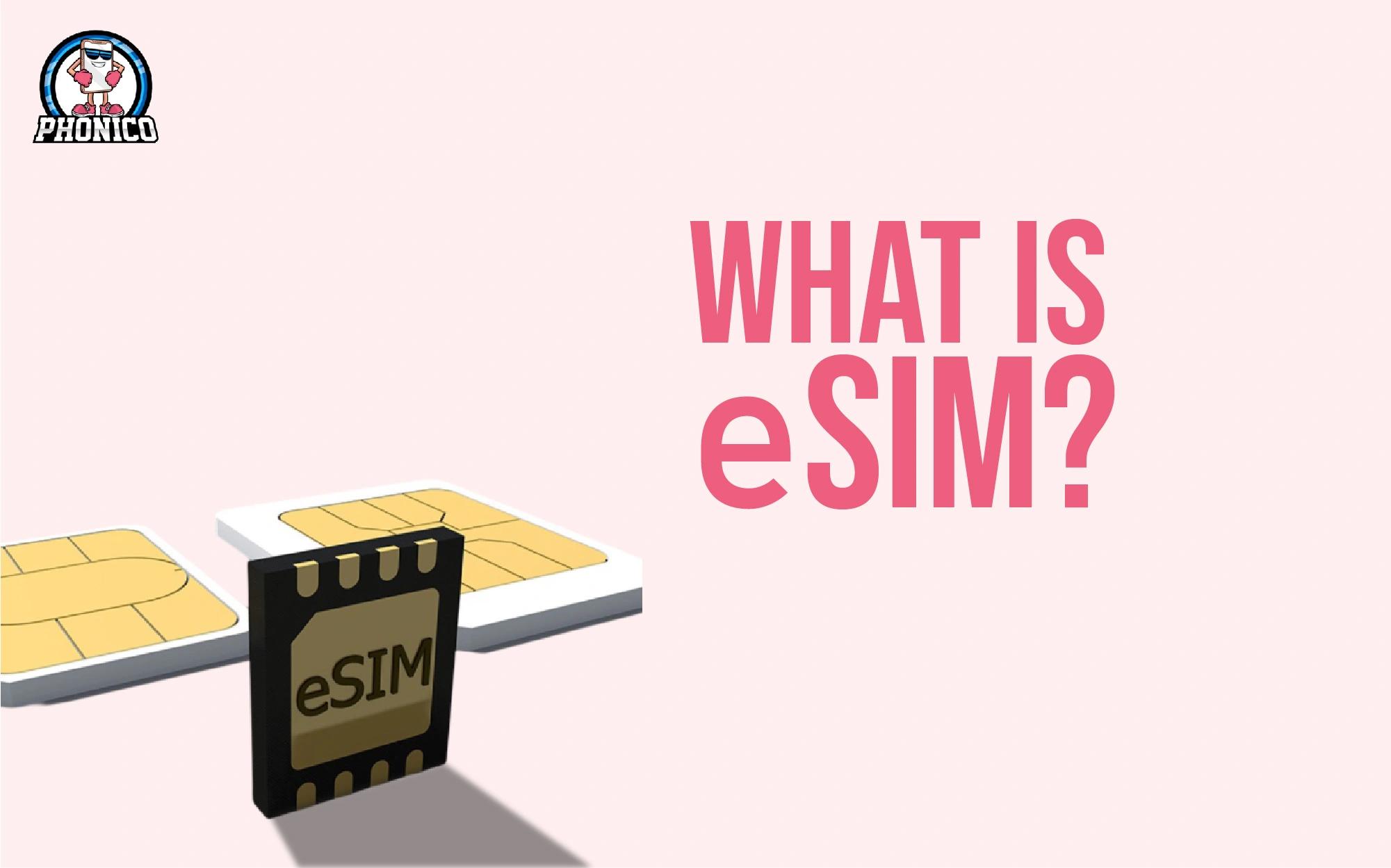
In contrast, eSIM is the built-in technology in the compatible devices and can’t be removed. It allows the manufacturers to optimise internal design and create more space for storage hardware. Embedded SIM save the profiles in the cloud and reduces the amount of locally stored configuration data.
Note: If you are switching to an eSIM card, Phonico is a reliable carrier that offers eSIM data plans for travel to the USA. What you get with Phonico eSIM is.
- Unlimited talk and text services.
- Remote QR code eSIM activation on iPhone and Android.
- No roaming or hidden charges.
- Active customer support services.
What Happens When You Run Out of Storage Space?
When your phone's storage is near running out, you get the notification to clear out the storage. You can experience performance issues, failed photo capture, or update issues. Whether the iPhone or Android needs some free space to operate effectively.
Here are the issues you can face in case storage runs out.
- System Instability: Lack of space can interrupt your system. It leads to a crash or prevents your phone from starting.
- Failed Updates: It leads to the failure of the necessary operating system install.
- Files Can’t Save: It fails to install or download the new files, take the photos, and documents.
- Affect Emails: It may disrupt to receive and send emails.
Running out of phone storage affects your camera quality and makes it difficult to save your data.
Best Ways to Manage and Expand Your Storage
Expandable Storage Options
Unnecessary files take the a lot of space. To expand the storage, ensure that to delete the unneeded files. You can use the external devices and cloud storage to create more storage areas. On Android devices, using a microSD card is effective to expand the storage.
Use Cloud Storage Wisely
Google Drive, iCloud, and OneDrive take your data backup. These allow you to access your data on another device.
Automate & Organize
You can use the software to back up, archive and delete the data. It improves your device's performance and efficiency.
Clear the Cache Data
Clear the app's cache to free up temporary data. It is ideal to delete the unused apps to get a significant space.
Additional Storage Tips
- Upload the videos to the cloud service.
- Remove the duplicate photos and videos.
- You can use the storage manager to clear the unused data.
- Use the lite apps to avoid more storage consumption.
Common Mistakes People Make When Choosing Storage
The following are several mistakes people make when choosing phone storage.
- People underestimate the full storage needs and choose the base model. But after some time, they realise that the space fills out quickly. Thus, it is recommended to buy the phone with 265GB of storage.
- Users opt for the low storage to save money, which leads to the consistent deletion of files. Ensure to invest in more storage phones.
- Rely on cloud storage to save the media files, documents and apps. People avoid the local storage requirements that are essential for the device's effective performance.
- It assumes that apps take up a little space. But generally, the operating system and the apps on our devices use more data.
Conclusion
How much phone storage do you really need? It depends on the user's needs. 64GB is fine for casual users for normal streaming, photos, and social media apps. 125GB storage is enough for a healthy mix of apps and games, and thousands of photos. 256GB to 512GB is best for power users.
Buying the biggest storage model lets you be free from the headache of deleting files again and again. So, before buying the phone, you should confirm your phone storage.
FAQs
Is 128GB enough for an average smartphone user in 2025?
Yes, 128GB is enough for the average user to stream content, take photos, and use social apps.
How do I stop my phone from filling up?
You can use the auto-backups, delete unnecessary apps, and clean your app cache to stop filling the phone storage.
Can I rely only on cloud storage?
You can rely on cloud storage. It is an ideal backup, but it requires a stable internet connection to access files.