
How to take great photos with an iPhone?
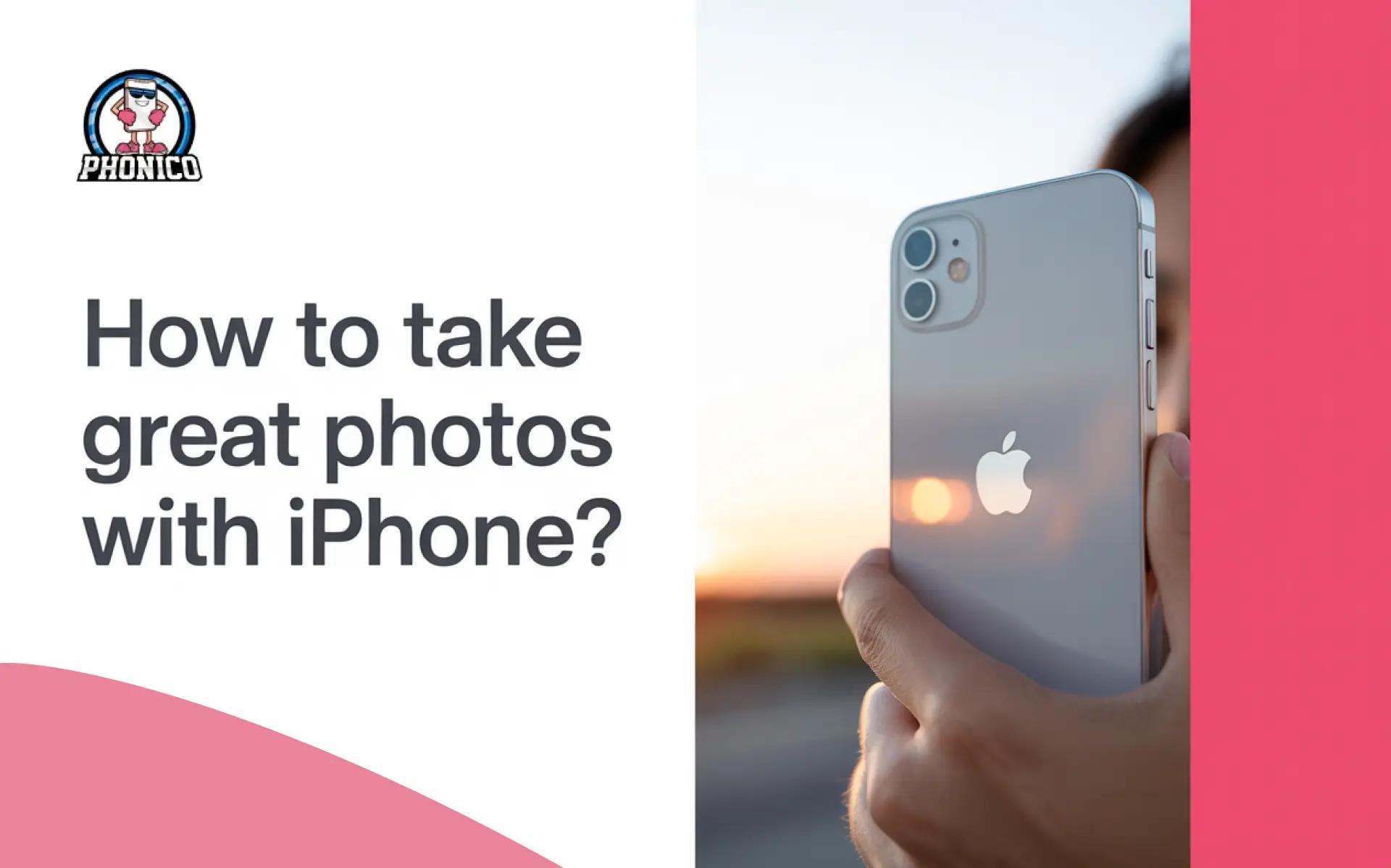
You can take great photos with an iPhone by screen focus, adjusting the screen exposure and using the right camera modes according to the situation. Moreover, some factors like proper light and smart composition also contribute to making a professional photo.
iPhone cameras are evolving and have the potential to beat the market's professional cameras. In this guide, I will explain how the camera works and the tips to take great photos with an iPhone.
Understand How iPhone Cameras Actually Work
Unlike the traditional smartphone cameras, the iPhone has a combination of hardware lenses. It helps you capture the perfect photos using computational photography. Mobile phones process shadows, highlights and colours to create the best images.
The following are the things you might consider to take great photos.
Choose the Right Lens
Selecting the right lens helps to get a sharp and clear photo.
- Ensure to have the wide lenses for the everyday shots.
- Ultra-wide lens is ideal for travel and landscapes.
- Use the Telephoto lens for portraits.
Hold the Camera Properly
If your hands are not stabilised, you can’t capture the perfect photo. Ensure to avoid shaking when tapping the shutter button.
iPhone Camera Features for Taking Great Photos
The following are the settings on an iPhone to take ideal photos.
Filters and Adjustments
You can use the latest filters from the content creators for the specific look you are going to create.
Night and the Pano Mode
Night mode is ideal for taking a photo in low light. In pano mode, you can capture the widescreen pictures by moving your phone along a panoramic scene.
Portrait Model
If you are taking a profile photo for any platform, like LinkedIn, portrait mode is perfect to blur your background and enhance the subject. The mode is best for taking professional headshots.
High Dynamic Range ( HDR) Feature
HDR balances the exposure of the scene with contrast between the light and dark areas. You can use it when taking photos in bright light.
Live Photos
Live Photos converts the still images into mini movies that capture the sound and movement. It allows for creating long exposure shots.
Master the Core Skills: Focus, Exposure & Stability
Clean Your Lenses
Wipe your camera lens with the soft microfiber cloth. Ensure to rub it gently to avoid the scratches. Moreover, avoid harsh scrubs that can scratch the lens.
Adjust the Camera Settings
If you are capturing pictures with default camera settings, it might not be that good. Adjusting the camera settings, like exposure and focus, can contribute to taking great photos.
Exposure
The right exposure settings help when you are taking pictures in the sun. Here are the settings you can go through.
- Open your Camera, click the screen, and you will see the automatic focus and the exposure settings.
- Move the sun icon on the screen up and down to set the exposure level.
Focus
Tap the screen and select the camera focus. Choose the settings that match your order.
Resolution
Adjusting the resolution that will let you capture more detail and make your photos appear lifelike. Here is how you can change the resolution.
- Open Settings and select Camera.
- Click Formats and Photo Mode.
- Select between 12 MP and 24 MP. (iPhone 14 Pro and later offer upto 48 MP)
- You can also turn on the Resolution Control.
Enable the Grid
The grid will let you frame the subjects in your pics. Here is how you can turn it on.
- Open the Settings and click Camera.
- Now move to Composition and enable the Grid Mode.
Update your iPhone
iPhone updates improve your camera performance; you should keep the phone updated over time.
Using eSIM for Travel Photography on iPhone
Following the given settings, you can take great photos with your iPhone. But if you are a traveller who loves vlogging and taking photos of stunning scenery, you definitely need a network connection to share it with your family, friends and the social media audience.
For travellers, an eSIM card is a cost-effective and ideal technology to avoid the high data roaming costs. With an eSIM, you don’t need to switch or handle multiple physical SIM cards at a time. You can buy the Phonico eSIM online, specifically for travel to the USA.
The carriers offer a variety of eSIM data plans without any strict contracts. With a plan, you can enjoy live streaming and unlimited calls and texts. In case your data plan runs out, the top-up is available to refill.
Note: Embedded SIMs don’t work in all devices; only the latest devices support the technology. Before buying the travel eSIM, ensure that you have an eSIM-compatible device.
Conclusion
You don’t need to go through the technical steps to take great photos with an iPhone. In the article, I have discussed the components in your iPhone to capture the best pictures already.
Moreover, you can enable the grid and adjust the exposure, focus and resolution in the camera settings to get better results.
FAQs
Why are my iPhone photos blurry?
It might be due to your hand shaking, camera focusing on the wrong object. Ensure to hold the phone steady.
Is the iPhone good for professional photos?
Yes, the iPhone is perfect for taking professional photos with advanced capabilities and high-quality image processing.
How do I take better portrait photos?
You need to focus on light, especially the natural light, to take a sharp and focused photo. Moreover, consider the composition for the portrait photos.