iPhone4 min read
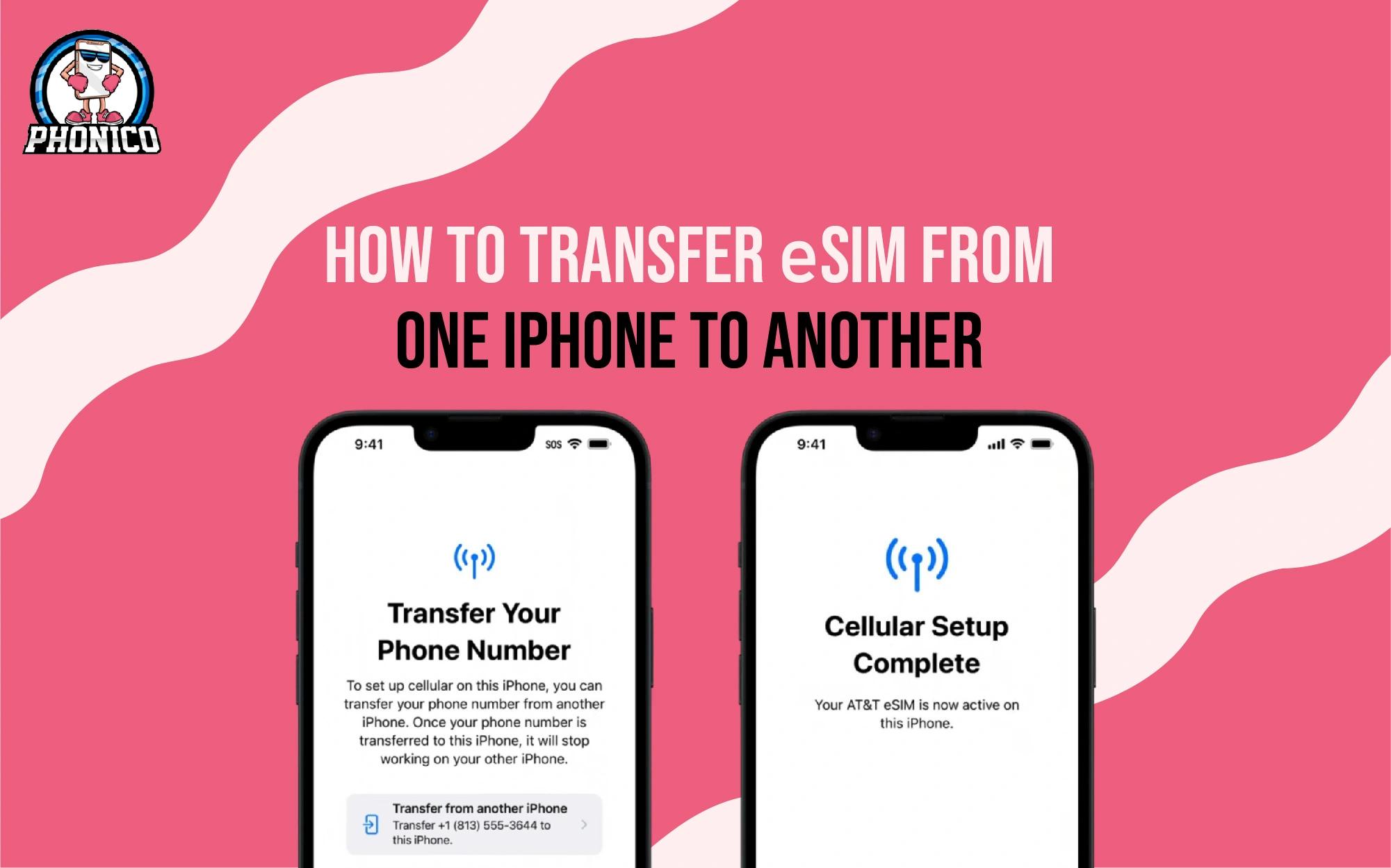
How do you Transfer eSIM from one iPhone to Another?
Transfer your eSIM to a new iPhone easily by scanning a QR code or using the camera on a nearby device. Step-by-step guide at Phonico.

Joe Fedewa
1 year ago
Stay informed and sweeten your eSIM experience with our expert insights and practical tips.
Transfer your eSIM to a new iPhone easily by scanning a QR code or using the camera on a nearby device. Step-by-step guide at Phonico.
Joe Fedewa
1 year ago
How to delete eSIM from iPhone? Open settings and select the eSIM plan to delete. Is your eSIM active? Read this guide to learn troubleshooting tips.

Joe Fedewa
1 year ago
How to check if the iPhone is carrier-locked? You can confirm it from device settings and by inserting different carriers' SIM cards

Joe Fedewa
1 year ago

Is the iPhone 15 eSIM only? The answer is yes, but it is only for the USA. You can use regular SIM cards for other regions like Europe and Asia.

Joe Fedewa
1 year ago

To factory reset your iPhone, go to Settings > General > Reset iPhone. If you have a reset failure, explore the guide for more assistance.

Joe Fedewa
1 year ago

How to save data on an iPhone? Turn on the Low data mode, limit the location services for the apps, and adjust the mail fetch schedule to limit data usage.

Joe Fedewa
1 year ago
Does iPhone 13 support eSIM? Yes! Learn how to use eSIM, activate plans, and travel smarter with Phonico. Dual SIM, mobile data & more, fully explained.

Joe Fedewa
1 year ago

Find out how many eSIMs iPhones can use, which models support dual eSIMs, and why Phonico eSIM is the smartest way to stay connected when traveling.

Joe Fedewa
1 year ago
Does iPhone X have eSIM? No, iPhone X doesn’t support eSIM technology. To access the flexible cellular data upgrade to iPhone XS or the later models.

Joe Fedewa
1 year ago
Contact your device carrier to unlock eSIM on iPhone for free. Once the request is confirmed, it will take a few days to complete the procedure.

Tara Schatz
1 year ago
How to check if an iPhone is unlocked. Open Settings > General > About > Carrier Lock. If it shows No SIM Restriction, your iPhone is unlocked.

Joe Fedewa
1 year ago
How to install eSIM on iPhone 17: Go to Settings > Cellular > Add eSIM, then scan the QR code with your camera. Setup completes in minutes.

Joe Fedewa
1 year ago
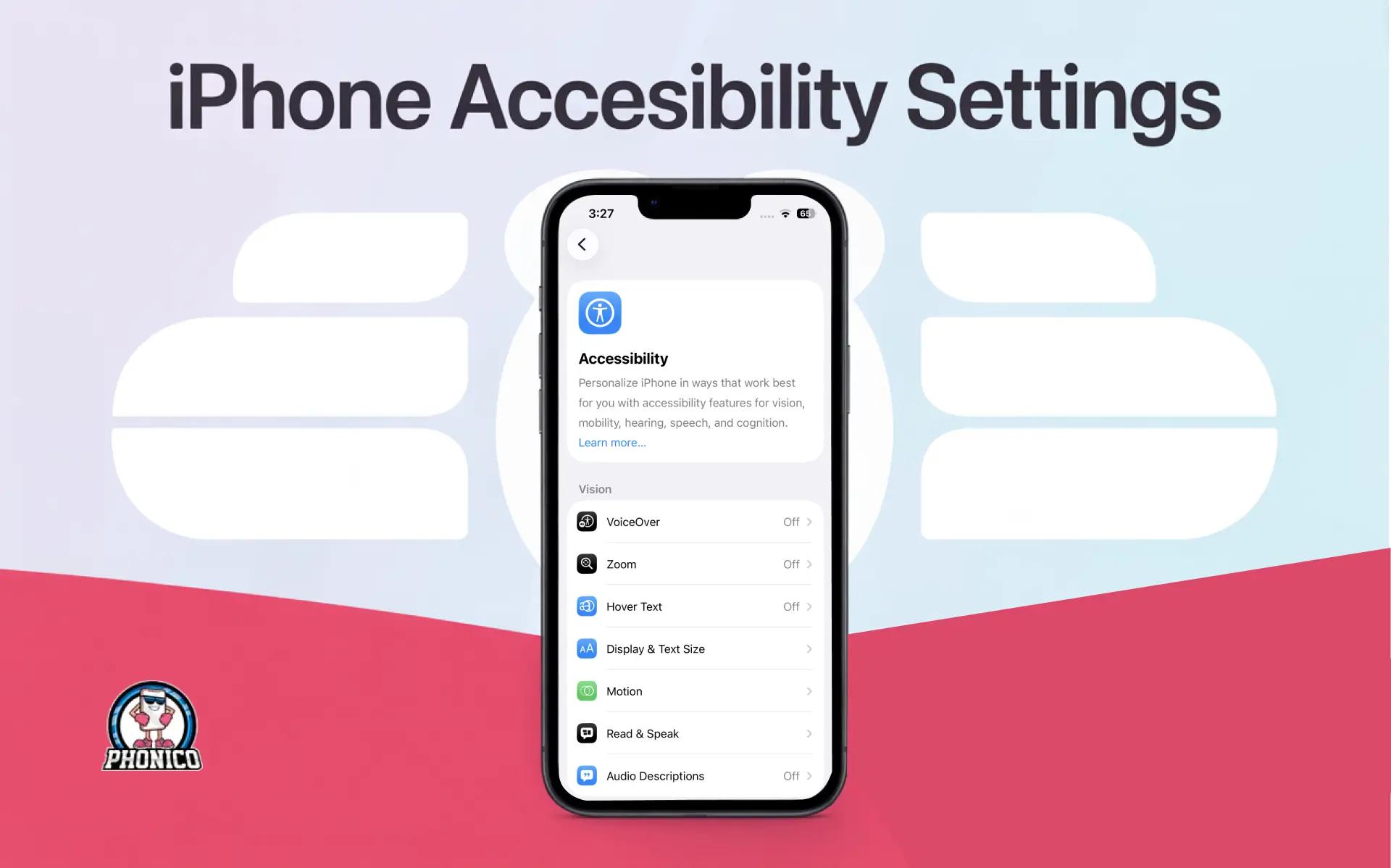
iPhone accessibility settings that improve clarity, speed, and daily use. Learn how these tweaks also make eSIM setup smoother when travelling with Phonico.

Joe Fedewa
11 months ago
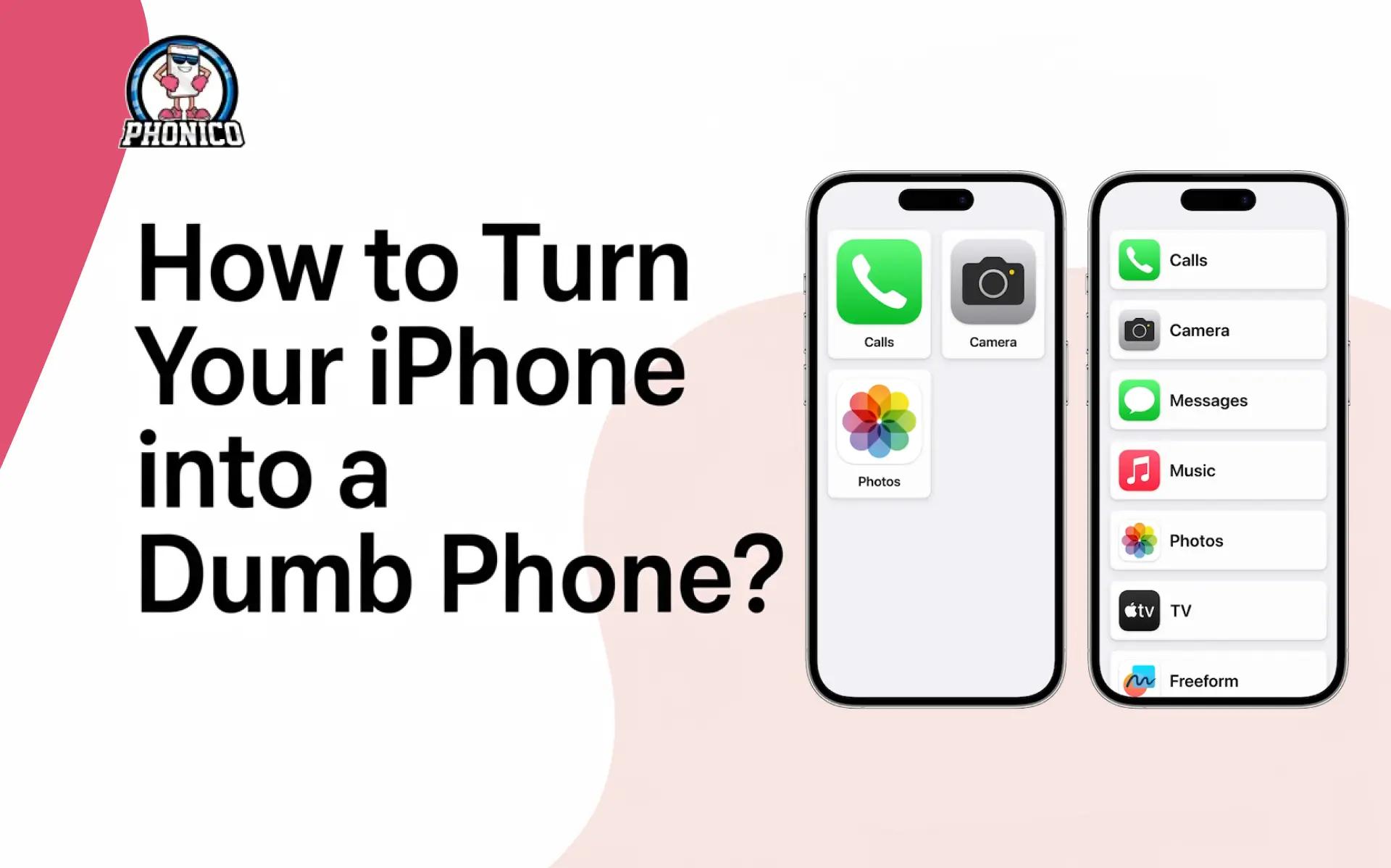
Creating a new focus, customising the home screen, or enabling automation and grayscale can turn your iPhone into a dumb phone.

Joe Fedewa
11 months ago

You can disable the app tracking on iPhone from the Settings > Privacy & Security > Tracking and disable the Allow Apps to Request to Track.

Joe Fedewa
11 months ago
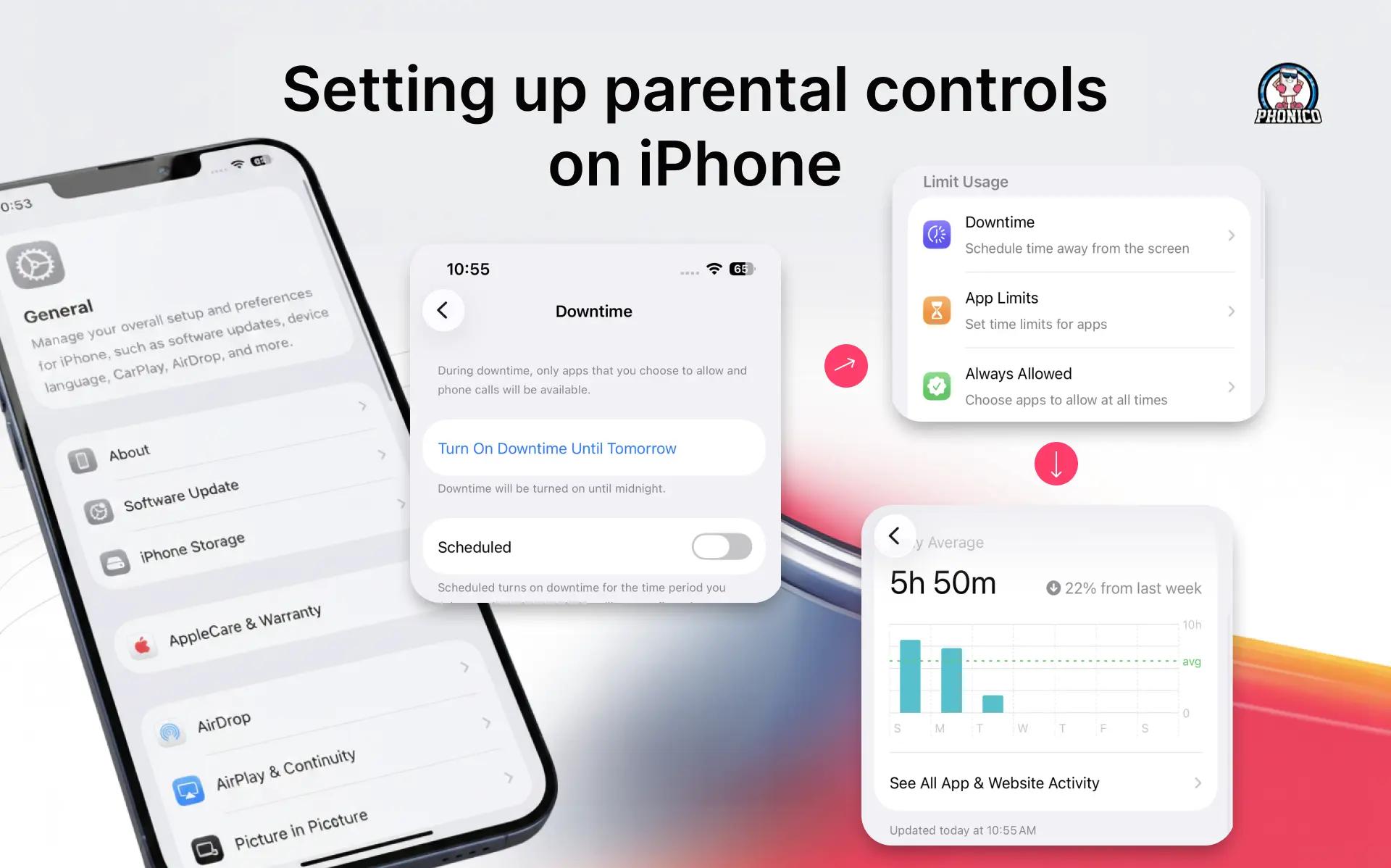
You can set up the content privacy, manage app store purchases, add restrictions on games, and limit the website for parental control on your iPhone.

Joe Fedewa
10 months ago

You can take great photos with an iPhone by screen focus, adjusting the screen exposure and using the right camera modes according to the situation.

Joe Fedewa
11 months ago
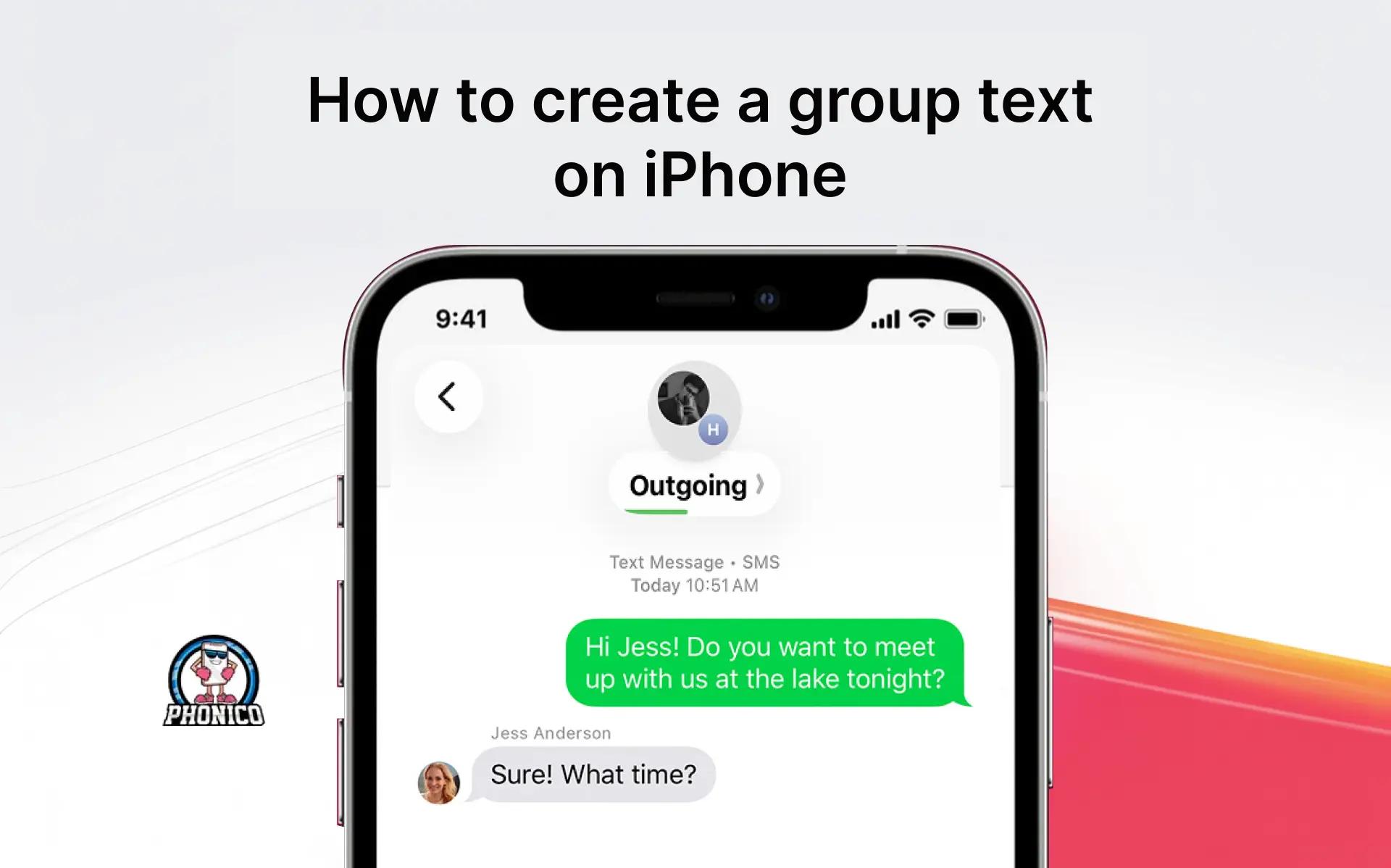
Open the messaging app, click compose, and add your friends' contacts. Write the text message and hit the send button to create a group text on iPhone.

Joe Fedewa
10 months ago
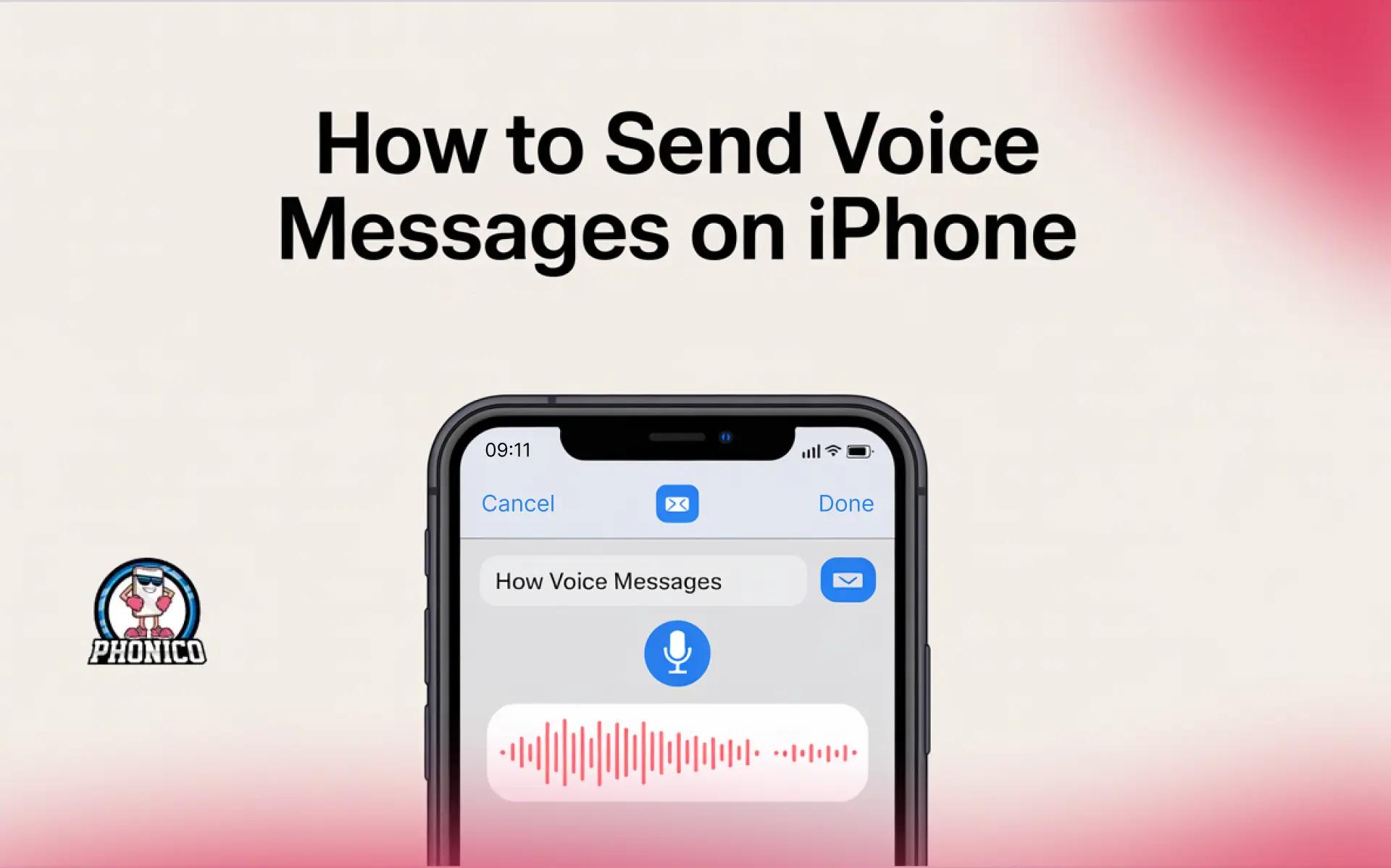
Open the Message app, create the conversation, click the + button and start recording audio. Now tap the arrow button to send the voice message on iPhone.

Joe Fedewa
10 months ago

Learn how to set up eSIM on your iPhone with our comprehensive guide. Explore step-by-step instructions for configuring eSIM on various iPhone models for seamless mobile connectivity

Joe Fedewa
1 year ago