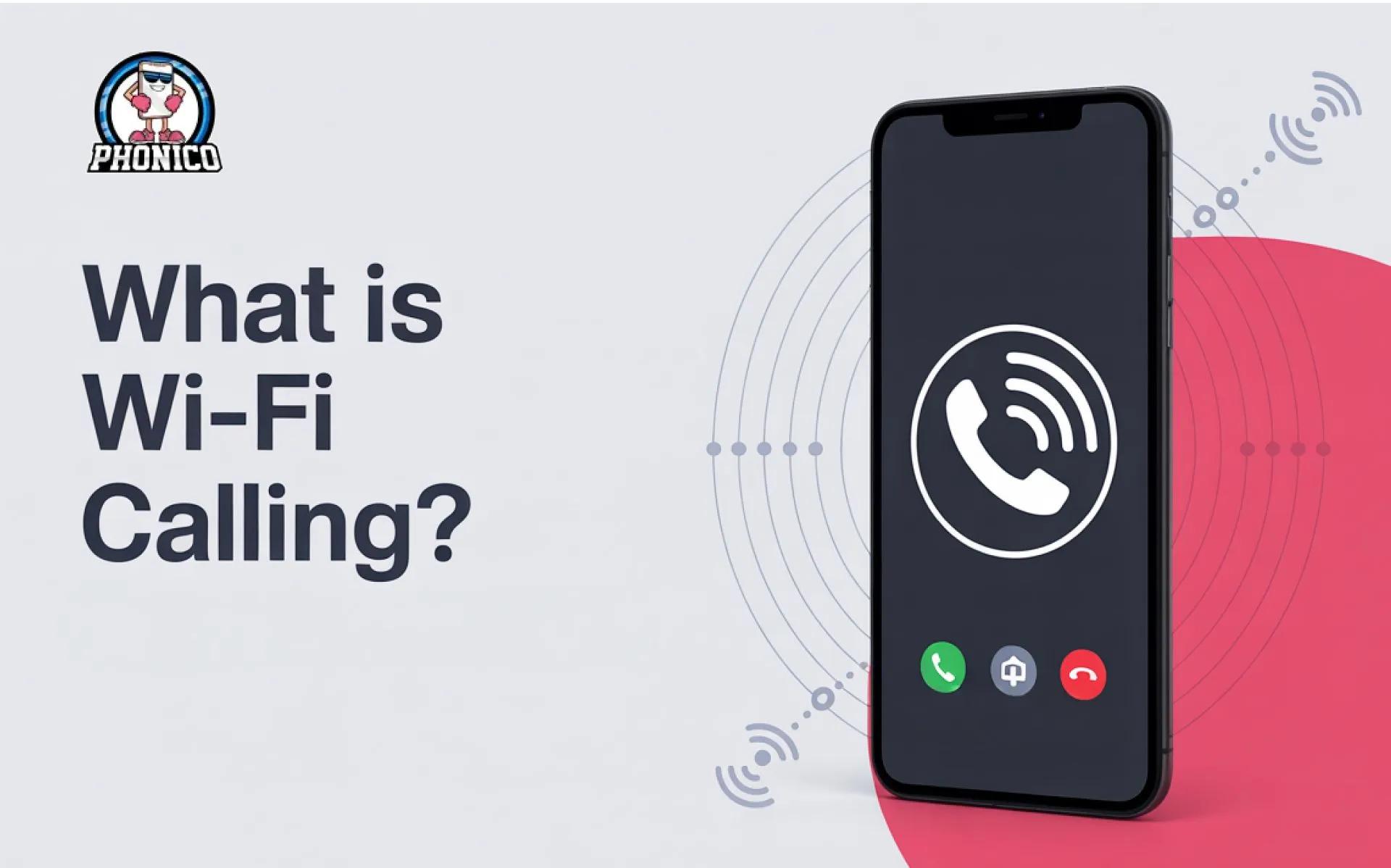

What is Wi-Fi Calling? Guide to Set Up Wi-Fi Calling
WiFi calling lets users make and receive calls and texts via a WiFi network without a cellular plan. Whenever the phone signal drops inside the elevator, basement, or remote location, WiFi calling lets to stay connected.
Your phone automatically switches to WiFi when it detects poor cellular signals. In this article, I will discuss what WiFi calling is and how it works. Moreover, how does it help you to stay connected when you are dealing with bad signals?
What is WiFi Calling?
WiFi calling is the voice service that lets users make calls over a wireless connection. The feature is perfect to connect when your eSIM card or physical SIM data plan is not available. WiFi offers better call quality and consumes less battery.
How Wi-Fi Calling Works: Beyond the Basics
WiFi calling is similar to the Wi-Fi-enabled voice over Internet Protocol (VoIP) applications. It works like Skype and WhatsApp, which require the internet for calling.
Generally, when you make calls with the phone number, the voice is compressed into the data packets. These packets are sent to the data network via your LTE wireless network. In the case of WiFi calling, the data packets are sent via the Internet.
Setting Up Wi-Fi Calling: A Simple, Step-by-Step Guide
Whether you are an iPhone or Android device user, you can set up WiFi calling. Here are the steps you can follow.
For iPhone Devices
- Open the Settings app on your iPhone.
- Click the Phone button.
- Now, click on the WiFi Calling and toggle to turn it on.
- Ensure to read the Terms and Conditions of WiFi Calling.
For Android Devices
- Open the Settings on your mobile phone.
- Find the Call Settings.
- Tap the WiFi Calling here to enable it.
- Ensure to agree to any carrier Terms and Conditions.
Note: Ensure to connect your device to a stable WiFi connection for a quality voice call.
Does Wi-Fi Calling Use Data?
No, WiFi calling doesn’t use data. When your device is attached to WiFi, it doesn't use your mobile data allotment. Thus, WiFi calling doesn’t consume your cellular data plan.
If your phone is connected to your home internet monthly data allotment, WiFi calling will use data. It uses 1MB per minute, so you don’t need to worry about excessive data usage.
The Unexpected Benefits of Wi-Fi Calling
1. Low-Cost International Calls
WiFi calling is an ideal option to make international calls. Compared to the traditional cellular networks, international WiFi calling is low-cost. It helps avoid roaming charges and offers better call quality. It is ideal during travel, where you experience an unreliable cellular network.
2. Emergency Calls on Wi-Fi
When cellular connection is not available, WiFi calling lets you make emergency calls. It is helpful when no other option is available. But it works if your phone is in WiFi range.
3. Improved Voice Quality
You can experience the clear voice quality with strong WiFi. It is effective in the congested areas where your phone struggles to connect with the cellular network.
4. Flexible Work Arrangements
It is flexible for the employees to make and receive calls with their phones from any location. The service is ideal for telecommuting and remote work.
Troubleshooting Wi-Fi Calling: Solving Common Problems
WiFi calling is beneficial in multiple ways, but there are some issues that people face while calling on WiFi.
1. Call Dropping
If the WiFi connection is unstable, you will experience the call dropping. Ensure to connect with a stable WiFi or move closer to the router to access strong signals.
2. Low Call Quality
Low WiFi speed leads to poor call quality. The interference from the other devices can also disrupt your calling. To fix it out upgrade to a high-speed internet connection.
3. Compatibility Issues
Some devices or the mobile carrier don’t allow WiFi calling. So, you should check whether your carrier allows the service or not.
4. Call Disconnectivity
Your phone's outdated software can be the reason for disconnectivity. Make sure to keep your phone software up-to-date.
Conclusion
WiFi calling is the ideal feature to stay connected in areas with poor cellular coverage. It is the best solution to make low-cost calls during international travel. It is a reliable way of making calls with improved voice quality.
In the article, I have discussed the benefits of Wi-Fi calling. Moreover, if you are facing any issues while calling on WiFi, you can go through the solutions in the guide.
FAQs
Will my phone bill increase with Wi-Fi calling?
Generally, WiFi calling is free. However, your carrier may incur charges for international calling.
What happens if I lose Wi-Fi connection during a call?
If the WiFi is lost during a call, your mobile will automatically switch to the cellular data plan. In case the data is not available, the call might drop.
What is the purpose of Wi-Fi calling?
WiFi calling lets users make calls and send messages with a WiFi connection when no cellular coverage is available.