
How Much Data Does Instagram Use?
You’re at the airport. Boarding in 40 minutes. You open Instagram to kill time. Ten minutes in, you've already watched a dozen Reels, replied to two DMs, and posted a quick Story from the terminal. It feels casual until you get the roaming bill or get a shock of 100 MBs left alert.
Instagram is everywhere, on our morning routines, weekend adventures, and especially during travel. It’s how we stay connected, share memories, and explore destinations before we even land.
But what users are ignoring is that Instagram quietly consumes a lot of mobile data, especially when you’re abroad.
If you're a traveller, digital nomad, or remote worker, managing your Instagram data usage is not optional; it’s essential. This isn’t just about saving data. It’s about keeping your mobile bill in check while still enjoying your feed, Stories, and everything in between.
Let’s find out how much data Instagram uses and how to manage it by keeping it low and without losing any fun!
How Much Data Does Instagram Actually Use in 2025?
Instagrammers are the most lethal app users who are always up to something. They like to scroll for a long time, share reels, and upload stories as much as they can. But not knowing how much data the app is consuming hurts them very bad!
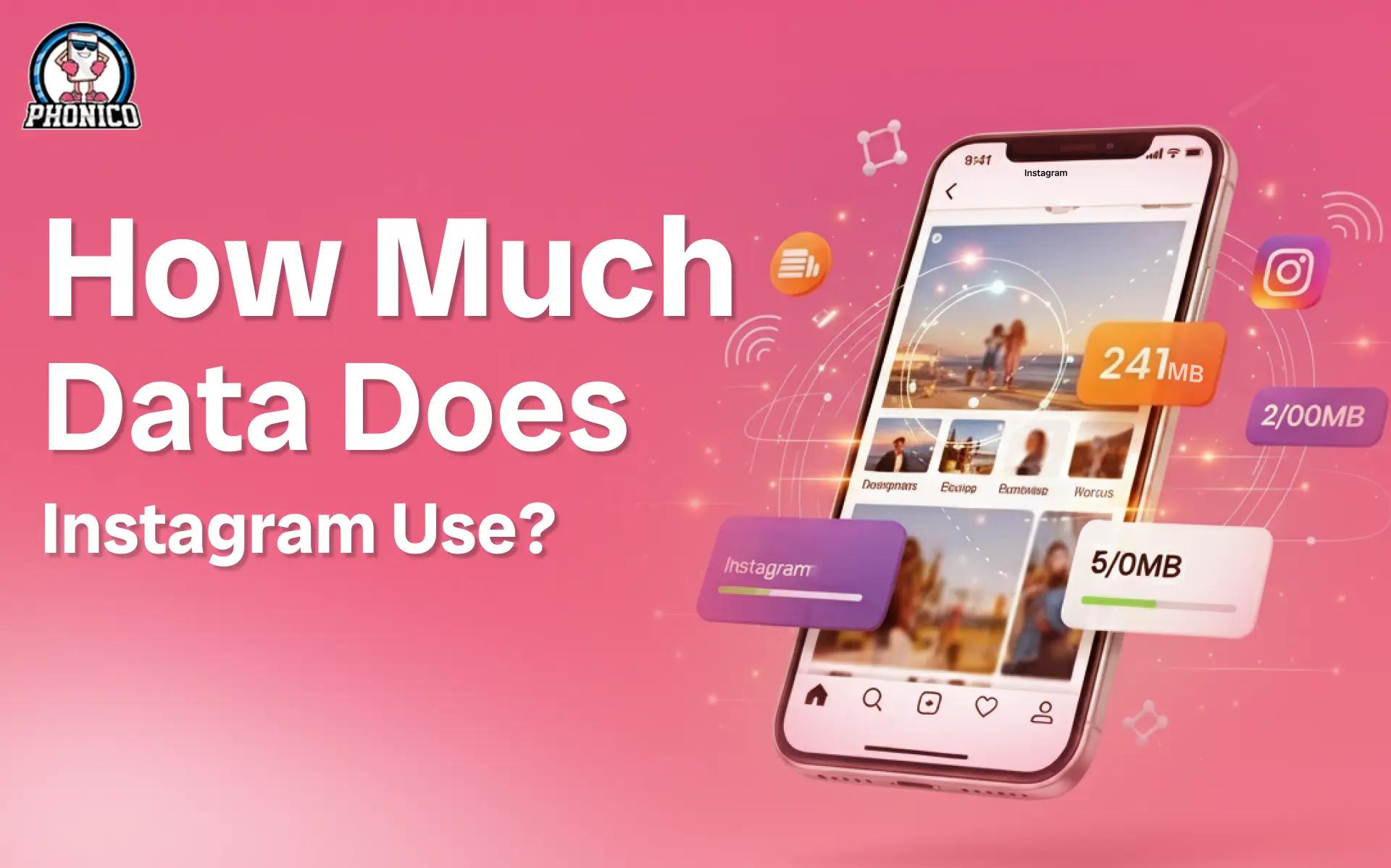
Instagram’s data usage depends on how you interact with the app. Let’s learn how much an average usage looks like in 2025:
- Feed Scrolling: ~1MB per minute (light usage)
- Stories Viewing: ~3MB per story (moderate usage)
- Reels/IGTV: ~15–25 MB per minute (heavy usage)
- Uploading HD Photos: ~5MB per post
- Uploading HD Videos: ~30–50MB per minute
So, if you spend just 30 minutes a day on Instagram, half of it on Reels and Stories, you could burn through 300–500MB per day. That adds up quickly, especially if you’re relying on mobile data or a limited travel plan.
Instagram Data Usage by Feature!
Now, an app with a lot of features can lead to addiction. Instagram features are the main element that users can resist. Let’s understand the usage as per feature:
Feed Scrolling
It’s the lightest in terms of data, but don’t underestimate the scroll. Every image, caption, and autoplay video consumes a few KBs, which can snowball. A 10-minute scroll? Around 10MB to 20MB.
Stories, Reels & IGTV
This is where the real data spike happens. Stories auto-play, Reels are endless, and IGTV runs long-form videos. Watching:
- 10 Stories = 30MB
- 10 Reels = 200MB or more
Autoplay makes it worse. If you don’t tap, it keeps going, eating your data while you're distracted.
Uploading Content
- HD Photo = ~5MB
- 1-Min HD Video = ~40MB
- 3-Min Reels with effects = up to 150MB
Even filters increase file size. More edits = more data.
Live Streaming or Video Calls
These burn fast. Expect:
- 15 minutes = 150MB
- 30 minutes = 300MB+
Always do live or video chats over Wi-Fi, especially when abroad.
How to Track Instagram Data Usage on Your Phone?
Before you run out of data or patience, track it.
For iPhone (iOS 17 and above)
1. Open Settings → Cellular
2. Scroll to Instagram
3. See the total data consumed since the last reset
Tip: Tap “Reset Statistics” every month to track fresh usage
For Android Devices
1. Open Settings → Network & Internet
2. Tap Mobile Data → App Data Usage
3. Select Instagram
Doing this will allow you to monitor data usage. If you are an eSIM user, you can download the Phonico eSIM App and keep an eye on your personalized dashboard.
Smart Ways to Reduce Instagram Data Use Without Going Offline!
Sometimes people get frustrated and try to end this data-consuming app. No need to delete the app. Just use it smarter.
Enable Instagram’s Data Saver
Go to Instagram Settings → Account → Cellular Data Use.
Turn on Data Saver
It reduces preloading of videos and images.
Limit HD Uploads
Disable high-res uploads in Instagram’s media settings. This cuts your upload size in half with minimal impact on quality.
Upload/Download Only on Wi-Fi
Plan your Stories or Reels. Shoot them anytime, but upload when you're on stable Wi-Fi. You’ll save tons of MBs.
Use Instagram Lite (for Android)
Lighter, faster, uses up to 70% less data. Perfect for travelers on tight data plans.
Restrict Background Data
On iPhone: Settings → General → Background App Refresh → Turn off for Instagram.
On Android: Settings → Apps → Instagram → Mobile Data & Wi-Fi → Disable background data.
Traveling Abroad? Instagram + Roaming Fees = Trouble!
It happens more often than you think. You’re on a weekend trip to Paris. You post a Story from the Eiffel Tower and scroll through Reels while waiting for your coffee.
Next day? A text from your carrier: “You’ve exceeded your data limit. $60 charged!”
Traveling + Instagram = a dangerous combo for your wallet. That’s where Phonico eSIM changes the game.
Why is Phonico the Smarter Way?
Phoico is the best eSIM connectivity experience you have ever had in the USA. You are all covered with the cheapest rates and connectivity that is trusted by many. The following are the reasons why every US citizen is going for it:
- Choose From Multiple eSIM Plans as per usage.
- Activate before your flight.
- Enjoy instant connectivity when you land.
- Zero roaming charges
- Smooth performance with Instagram, WhatsApp, Google Maps & more
Whether you're in Dallas or hopping from state to state, Phonico gives you data freedom without the stress.
Conclusion
Instagram connects us, from Tokyo skylines to NYC brunches. But connection shouldn’t cost you peace of mind.
Knowing how much data Instagram uses lets you stay ahead, not sorry. Whether you’re checking Stories or posting your next beach Reel, manage your usage smartly.
And if you're traveling, don’t let roaming costs ruin the fun. Get a Phonico eSIM and scroll without limits, wherever life takes you.
FAQs
Is 1GB of data enough for Instagram while traveling?
Not really. 1GB might last a day if you're careful. For moderate use, aim for at least 3–5GB per trip.
Does Instagram use more data than TikTok?
It depends. TikTok videos are longer, but Instagram’s mix of Reels, Stories, and uploads can match or exceed them over time.
How can I save mobile data without deleting Instagram?
Use Instagram’s built-in Data Saver, upload on Wi-Fi, and restrict background app activity.