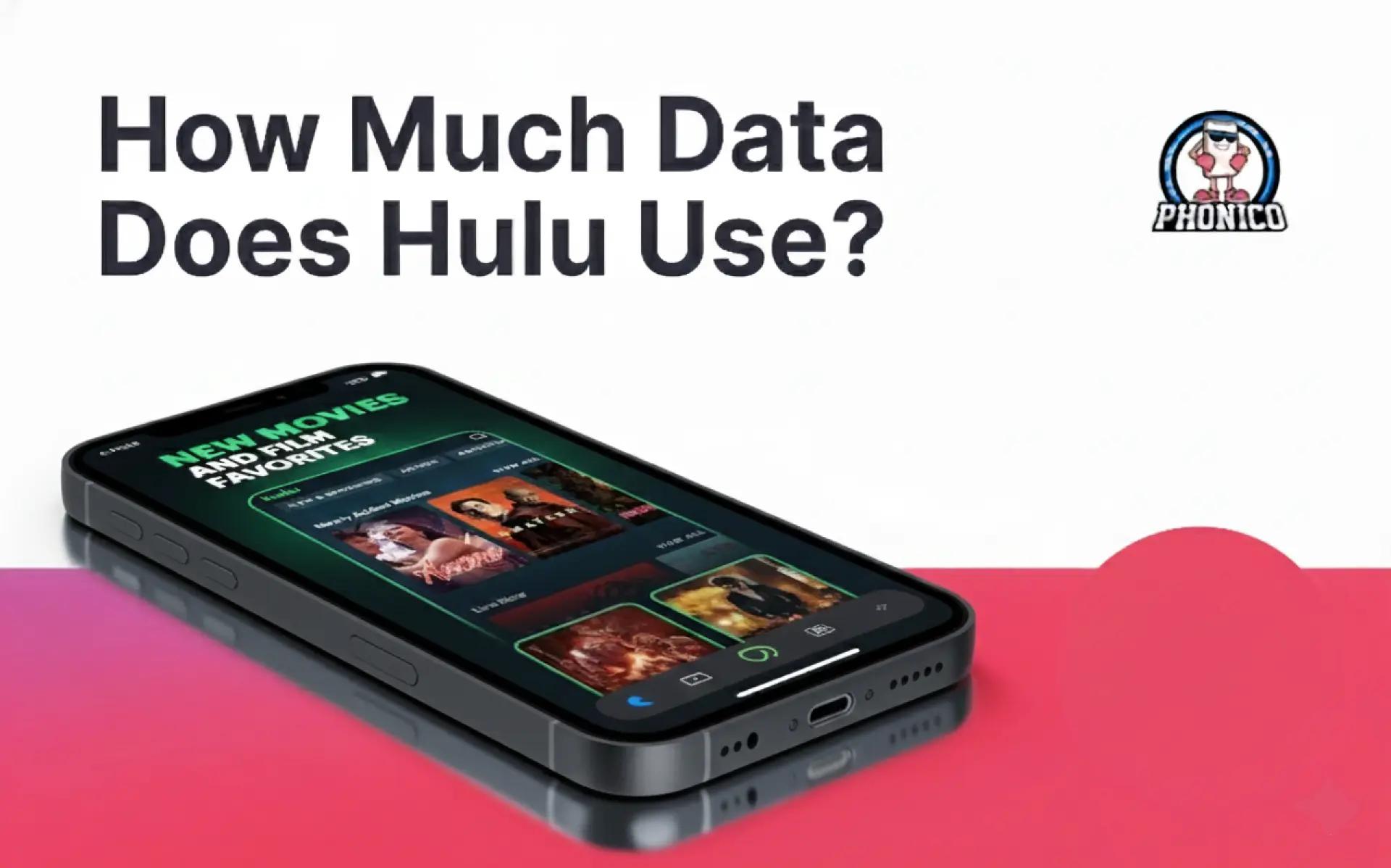

How Much Data Does Hulu Use? Exact GB-per-Hour
Streaming on Hulu uses roughly 0.5 to 3 GB per hour. However, the data usage consumption depends on the video quality settings. It's a good practice to choose the video quality as per your Phonico eSIM data plan for the USA.
Most people hear the phrase “GB per hour” and move on. People are so into video streaming nowadays, and Hulu, powered by Disney+, justifies that.
Streaming isn’t one big download. It’s a steady drip of footage sent to your device every second. The higher the resolution, the heavier the drip.
So, when someone asks about the amount of data Hulu uses, the honest answer is: it depends on the picture quality and how long you watch.
Let’s learn about the Hulu Exact GB-per-Hour Estimates and how to save extra while using an eSIM.
What is the data usage of Hulu as per Video Quality Settings?
A single episode can feel harmless, but a two-hour movie or a weekend binge doubles or triples your total without you noticing. You can get an idea by calculating:
Watch time × quality = data used.
But when you have a Phonico eSIM plan activated on your phone, every MB becomes important.
Hulu streaming data usage changes a lot based on picture quality. Lower quality looks softer but saves a notable chunk of data. Higher quality gives crisp detail but burns through your plan faster.
Let me help you understand the impact of the video quality change on Hulu. The following are the approximated data because different devices have different resolutions:
- SD (Standard Definition): ~ 0.5 to 1.0 GB per hour
- Good for commuters or anyone watching on a small screen. Saves the most data.
- HD (High Definition): ~ 1.5 to 3 GB per hour
- The sweet spot for most viewers. Clear image without the heavy load of full HD streaming.
- Ultra HD / 4K: 6 to 7+ GB per hour
- Gorgeous picture, but a major data hit. Usually best for home Wi-Fi, not mobile.
For live TV on Hulu, expect usage similar to Hulu 4K data usage. Live feeds can fluctuate more because the stream adjusts to movement on the screen.
Moreover, these estimates are not made up. They are actual Hulu data usage stats from people tracking it manually, plus industry-standard bitrate tests.
And if you’re streaming from your phone, the numbers can shift down a bit, since mobile apps often lower the quality automatically to protect your data.
Using Hulu on eSIM Mobile Data Vs Wifi
Video streaming is well-known for data consumption, and when it comes to eSIM data or Wifi, the concept totally changes. When you are using Hulu on wifi, there is no fear of data loss or changing the video quality. But when you switch to your mobile data, especially eSIM data, you need to get worried soon.
Streaming Hulu on Wi-Fi barely matters for your plan. It only hits your home internet. But on mobile data, every minute counts. HD streaming alone can eat a full gig before you even notice.
Travelling with a Phonico eSIM, this difference is huge. Your phone won’t always warn you. Background apps like social media can stack even more data consumption on top.
The safest move? Keep Hulu at a stable video quality and monitor your mobile data usage in your phone’s settings or at the Phonico eSIM app.
Hulu Live TV and why it burns data faster?
Hulu’s or any other live TV stream adjusts quality in real time. More movement on screen = more data pulled. That’s why sports, news, and action-heavy channels spike your usage much faster than normal shows.
Since most eSIm data plans are capped, keep an eye on video quality or switch to on-demand episodes instead of live channels. It stabilizes data consumption and prevents surprise overages.
Downloads vs streaming: What actually saves data?
If you’re watching from airports, buses, or unstable networks, downloading content first is the smarter path. Offline files don’t touch your mobile data at all once they’re on your device.
Just remember:
• Downloads use data only once.
• Rewatching them is free.
• Resolutions still matter - HD streaming equals a large file size even when saved offline.
If you travel a lot, preloading episodes before you leave Wi-Fi is your biggest data-saving move.
Comparing Hulu with Netflix and other platforms
People often compare Netflix data usage with Hulu, and the numbers sit close. Netflix spikes higher on Ultra HD, but Hulu’s consistency means you’ll notice the drain sooner when moving around. But do you know how much data Netflix consumes?
Compared with Amazon Prime Video, Hulu tends to push stable HD more aggressively unless you limit it. Prime and other streaming services throttle faster, so they look lighter on your monthly usage.
What settings help you reduce Hulu’s data consumption?
If you’re on mobile, open Hulu’s app and drop the video quality to a limit that matches your budget. Even a small tweak can cut your usage by over half.
You can follow these steps:
- Turn on data saver inside Hulu.
- Lock your quality to “Low” or “Medium.”
- Stop autoplay when you’re not paying attention.
- Download episodes before stepping away from Wi-Fi.
It’s simple, but this is how travelers stop draining their eSIM plans without noticing.
How Phonico eSIM helps you stream smarter?
Phonico keeps things simple. You will get clean coverage, predictable plans, and enough room for your shows without forcing you into an unlimited data plan you don’t need.
If you stream lightly, pick a smaller pack. If you’re planning long trips or binge nights, jump to a bigger one. Either way, you control the spend, not your apps.
FAQs
How much mobile data will Hulu Live TV use per hour?
Based on user reports, Hulu Live TV in HD can burn through around 3 to 3.5+ GB of data per hour when streaming over cellular. If you’re using a Phonico eSIM, it’s smart to cap quality or stick to Wi-Fi when watching live to keep your streaming under control.
Why did Hulu suddenly use way more data on my hotspot?
Several users say Hulu’s video quality jumped to HD unexpectedly when using their mobile connection. If that happens, try lowering Hulu’s in-app streaming quality settings or restricting background mobile data on your phone, especially important when your Phonico plan isn’t unlimited.
Will keeping Hulu open overnight drain my data?
Yes, some reports leaving the Hulu app open (even when a device is “asleep”) can continue using data. To avoid this, close the app completely before plugging your device into a hotspot or mobile network, or use Phonico’s data usage tools to monitor for unusual overnight usage.