eSIM and Battery Consumption Myths Vs. Reality!
Like physical SIM cards, the result is the same for eSIM and battery consumption. eSIM does not consume more battery than physical SIM cards.
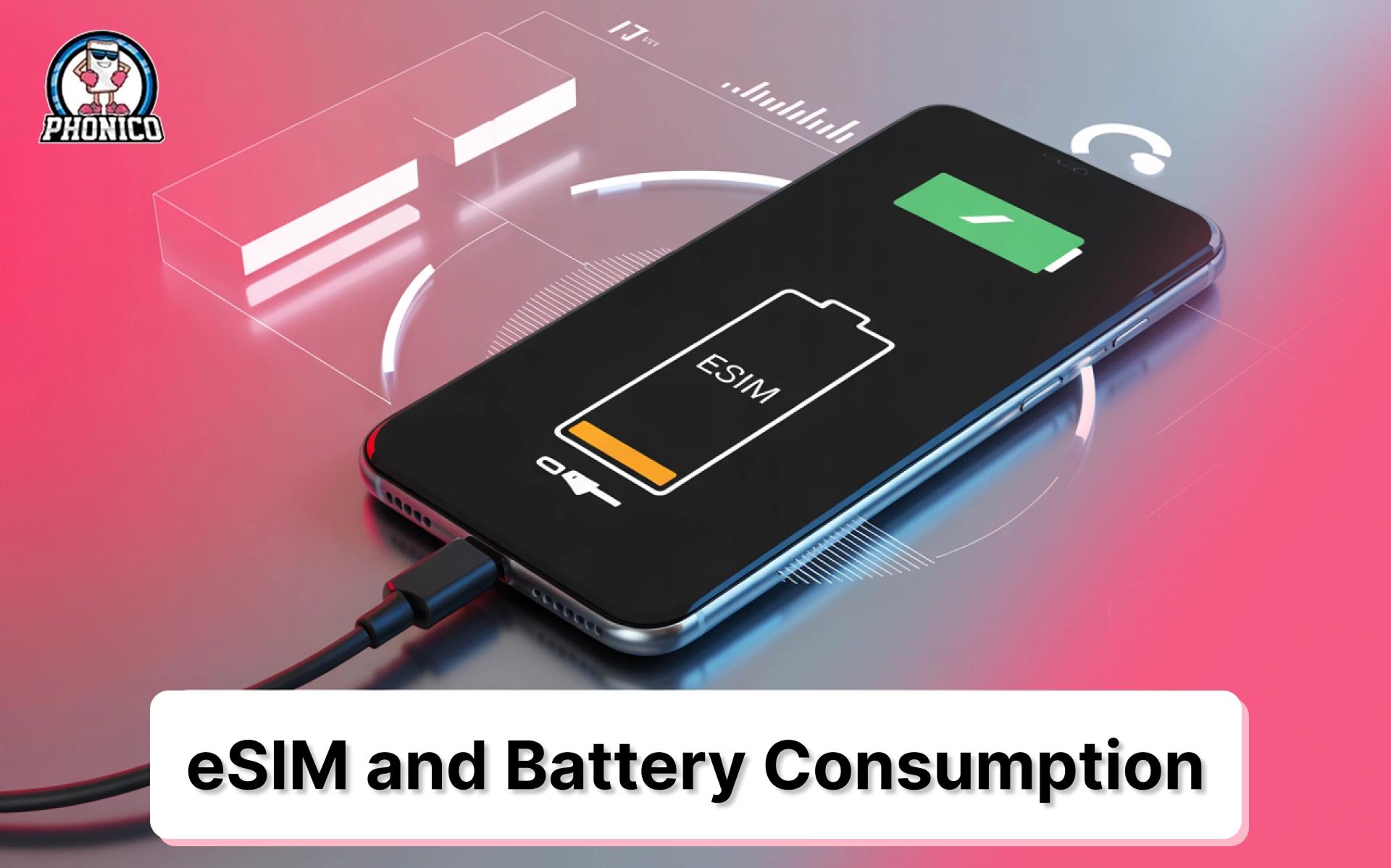
eSIM technology makes connectivity easy, especially when traveling. You don’t need to swap SIM cards or buy them at every destination. You are consistently connected wherever you go without any hassle or frustration.
But staying connected full-time and switching to networks of your choice raise questions about eSIM and battery consumption. This blog is written to answer your questions about eSIM and battery consumption, comparison with physical SIM cards, and actionable insights to optimize battery life.
What are the Factors that Affect Battery Consumption?
To understand battery consumption, you first need to know the factors that affect battery usage. The following are the factors you need to know:
Network Signal Strength
- If your device is consistently connected on weak signals that utilize more power to maintain connectivity.
- Whether you are using old physical SIM cards or eSIMs, both consume more battery over weak signal connectivity.
Background Processes
- Most apps run in the background to fetch data and sync, which results in increased battery drain.
- If you are using eSIM, then certain network-related services can impact battery performance.
Dual-SIM Functionality
Devices with dual-SIM features can consume more power due to multiple network connectivity.
eSIM Vs. Physical SIM: Battery Consumption Comparison
Power Consumption:
- eSIM: Similar to physical SIMs
- Physical SIM: Similar to eSIMs
Signal Strength Impact:
- eSIM: Affected by network conditions
- Physical SIM: Affected by network conditions
Network Switching:
- eSIM: Software-based (instant)
- Physical SIM: Requires physical swap
Dual SIM Effect:
- eSIM: Increased power use if active
- Physical SIM: Increased power use if active
Key Takeaway:
- Using an eSIM does not consume more battery. It's the same as using a physical SIM.
- Battery consumption depends on network conditions and SIM activity, not the SIM type.
How to Optimize Battery Life with eSIM?
As the battery consumption depends on SIM activity and network strength, you can perform the following actions to optimize battery life with eSIM:
Use a Strong Network Signal
- As far as the poor signal connectivity, it keeps on forcing your device to search for networks, causing more battery consumption.
- Try to look for a carrier that has strong connectivity in that region.
Deactivate Unused eSIM Profiles
If you have multiple eSIM profiles and only a few of them are used, disable them immediately to decrease background activity.
Update Your Device Regularly
Device firmware updates contain optimization data for your device to improve battery performance.
Enable Battery Saver Mode
Most devices have a battery saver mode feature that reduces the background network activity, improving battery life.
What are the Common Myths about eSIM and Battery Consumption?
It is considered that eSIM drains more battery than physical SIM because it's virtually connected. The fact is battery performance relies on network strength, dual-SIM usage, and background processes. There is nothing to do with the SIM type.
Another myth that circulates among users is that more eSIM profiles mean more battery drain. The reality is that only active eSIM profiles impact battery life. Inactive eSIM profiles do not have any link to battery consumption.