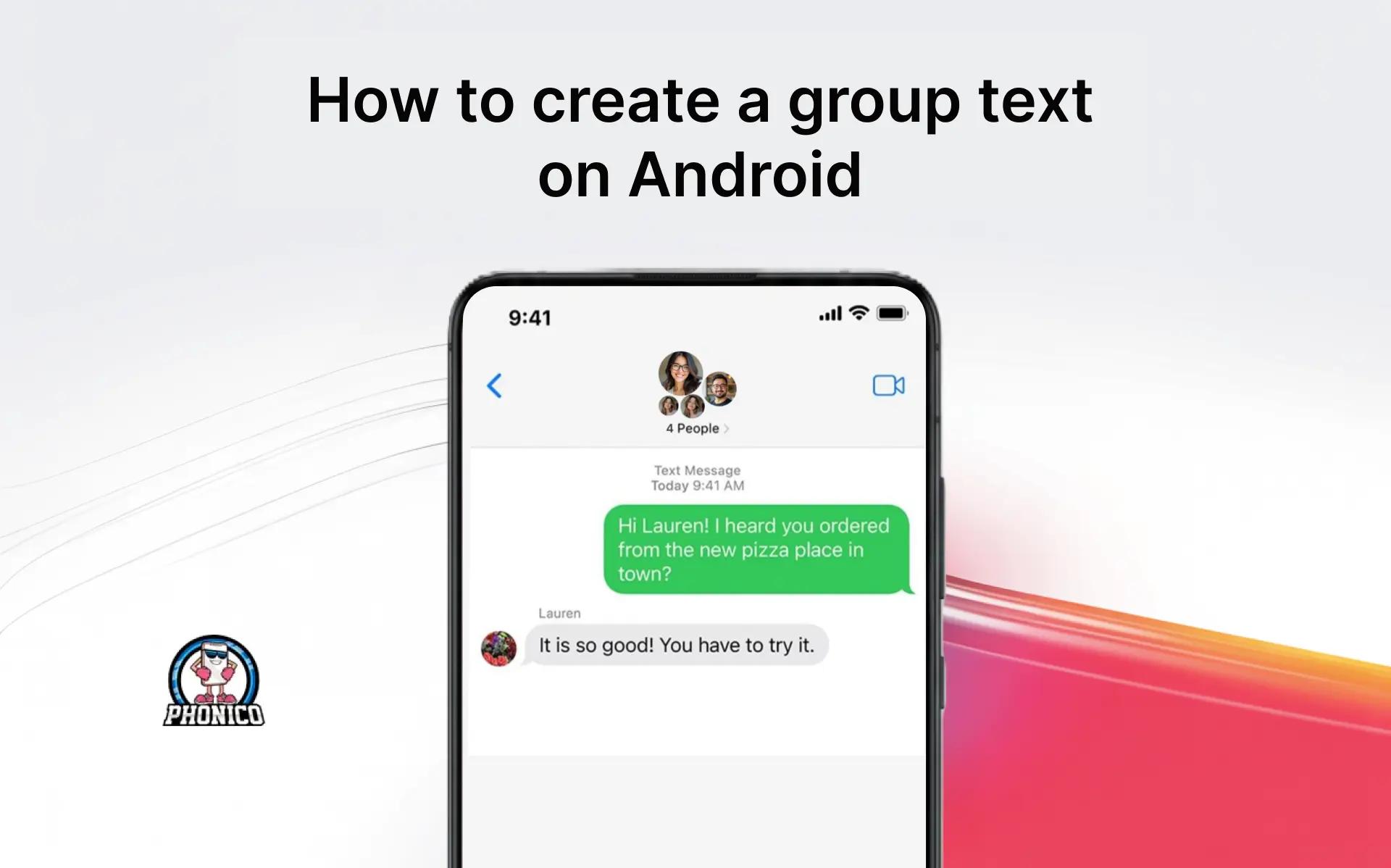

How to create a group text on Android phones?
Open the messaging app on your Android, start a new conversation, select multiple contacts, and enable group messaging to create the group text. The process is the same, no matter whether you are using the Google or the Samsung Messages app.
Group text is ideal when you need the family on one page while planning a get-together. It lets you send the same messages to everyone and manage the conversation effectively.
In this article, I will discuss how you can start a group text, add members, and delete the group.
What Is a Group Text on Android? (SMS, MMS, and RCS)
There are three modes of messaging on an Android phone.
1. SMS (Basic Texts)
SMS, or Short Message Service, is the basic texting technology. It allows sending up to 160 characters of plain text via a cellular network without any internet connection. SMS doesn’t allow sharing the Media files.
2. MMS (Multimedia Messaging Service)
MMs or Multimedia Messaging Service is the developed version of SMS. It allows sharing multimedia content like images, audio, and short videos, with longer text limits. But you need an internet connection to send the text and media files.
3. RCS (Rich Communication Services)
RCS or Rich Communication Services is the modern replacement of both SMS and MMS. You need WiFi or mobile data to experience the high-resolution media sharing, read receipts, typing indicators, and group chats.
Note: If you are using RCS, you need an internet connection to send and receive messages. During travel, you can use an eSIM card to access a stable and affordable connection. Phonico is the carrier that offers an eSIM data plan for USA travelers with unlimited talk and text services.
Steps to Create the Group Text on an Android Phone
Make a Group Text on Android
Making a group is perfect for organizing your family gathering. Here is how you can start creating the group text.
- Open the Messages app on your phone.
- Click the icon at the bottom of the screen to start the new chat.
- Click the Create Group and select the contacts you want to add.
- You can type the phone number or directly select from the Contacts.
- Now, click the Next button and give a name to your group.
Name a Group Text
The important part is naming your group. You can name it according to the context of its creation.
- Open the Group Chat in the Message app.
- Click the names or the number at the top of the screen.
- Tap the pencil icon and enter the name of the group.
- Now, tap the Save button to confirm it.
Add Someone to the Group on Android
If you forget to add one of your friends while creating a group, you can add them now. Here are the steps you need to follow.
- Open the Group chat in the message app.
- At the top of the conversation, click your name.
- Click the (+) icon under the group name.
- Now select the individual you want to add from your contacts.
- Tap the Next button to confirm adding.
The adding feature is available in RCS chats. If you are using the simple texting service, you can create a new group with that individual.
Silence the Group Text on Android
If the gathering is over, and now everyone is sharing the memories, the notifications seem frustrating. You can mute the chat temporarily to focus.
- Open the group chat in the message app.
- Click the group name and tap the Notifications.
- Now select the Silence button to mute the notification.
Leave and Delete the Group Text on Android
If the group members are not interacting for a long time, you can leave and delete the group.
- Open the group text in the message app.
- Click the group name, now scroll to select the Leave Group.
If the option is not available in your chat, you can click on the Delete Conversation.
Conclusion
An Android phone has different modes of texting like SMS, MMS, and RCS. It's pretty simple to create a group text on an Android phone using these modes. Firstly, you can start a new conversation in the messaging app, add the contacts, and name the group.
You can add a new member to the group, but only in RCS. In the article, I have discussed each step in detail to avoid any hindrance. You can go through the steps to create the new group for the surprise birthday party planning of your friend.
FAQs
Do SMS and MMs allow adding members to the group?
No, SMS and MMS don’t allow adding a new member to an existing conversation. To get the new person, you have to create an entirely new group.
How many contacts can you add to a text group?
In an Android phone group text can add 20 contacts. While on your Android Whatsapp, you can add 256 contacts.
Why can't I group text on Android?
If the group conversation is disable, you can’t text. Open the Messages, go to settings, and multimedia messages. Now, ensure to enable the group conversation.